
Settings and troubleshooting
Settings and reversible beta fixes
Start with the official PC requirements, then use reversible checks for Closed Beta server browser, voice chat, and crash symptoms.
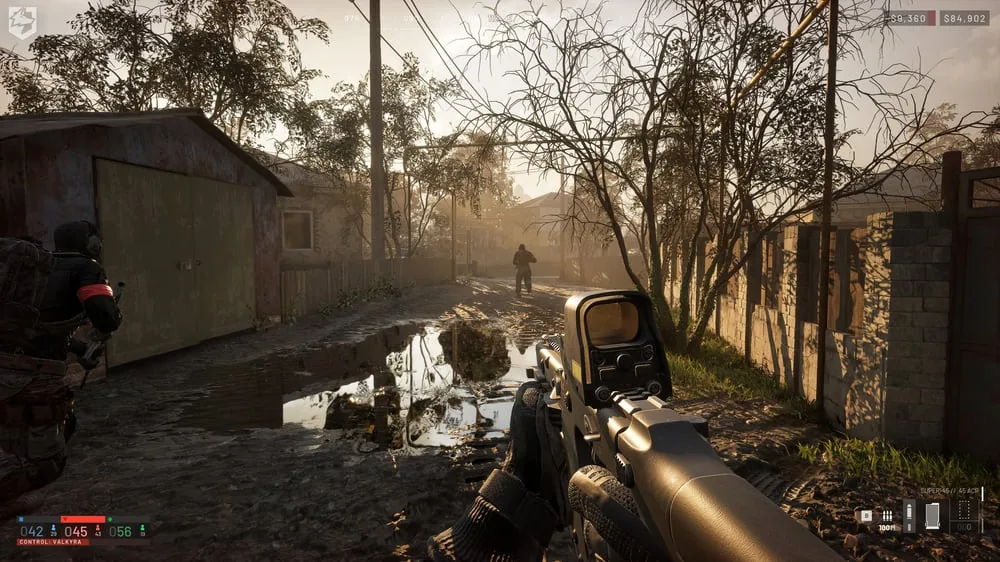
Check the official requirements first, then make one reversible change at a time. Closed Beta workarounds are historical troubleshooting evidence, not permanent fixes for the Early Access build.
Beta warning: These workarounds may expire when the build, servers, or third-party services change. Undo any local change that does not help.
Official PC requirements
| Tier | Operating system | Processor | Memory | Graphics | Storage | Steam performance note |
|---|---|---|---|---|---|---|
| Minimum | Windows 10 | Intel i5-8600 or AMD Ryzen 5 3500 | 16 GB RAM | NVIDIA GTX 1660 or AMD RX 590 | 50 GB | 1080p Low at 60 FPS, upscaled |
| Recommended | Windows 11 | Intel i7-12700K or AMD Ryzen 7 5700X | 16 GB RAM | NVIDIA RTX 3070 or AMD RX 6700 XT | 50 GB | 1440p Medium at 70 FPS or more native, or 4K Medium at 60 FPS or more upscaled |
These are the requirements published on the current Steam store page. They describe the official target notes, not a promise for every hardware and software combination.
Gamepad scope
Official channels mention gamepad support, but accessible first-party text does not clearly define its scope. Check the current Steam page for the category and wording attached to the build you plan to play. This page does not label support as full, partial, or another verified category.
Closed Beta workarounds
If the server browser was empty during the Closed Beta, the official known-issues post advised selecting exactly one server region. For lost local VOIP, it advised toggling voice chat off and on, or opening the scoreboard and pressing U twice. The developer also investigated third-party VOIP outages, so a local setting was not always the cause.
Reversible crash checks
- Restart Steam, then restart the PC.
- Verify the game files through Steam.
- Update Windows and the GPU driver through their normal supported channels.
- Close overlays one at a time and retest after each change.
- Undo any change that does not help.
These checks do not promise a fix. Do not delete configuration folders based on a Closed Beta workaround.